





 USD
USD EUR
EUR GBP
GBP CAD
CAD AUD
AUD HKD
HKD JPY
JPY KRW
KRW SGD
SGD NZD
NZD THB
THB TWD
TWD English
 繁體中文
繁體中文 日本語
日本語 한국어
한국어 ไทย
ไทย Bahasa Indonesia
 Français
 Español
 Deutsch
 Português
 Nederlands
 Tiếng Việt
By EVPADPro | 16 August 2021 | 0 Comments
5 Best Selling EVPAD TV Boxes in 2021
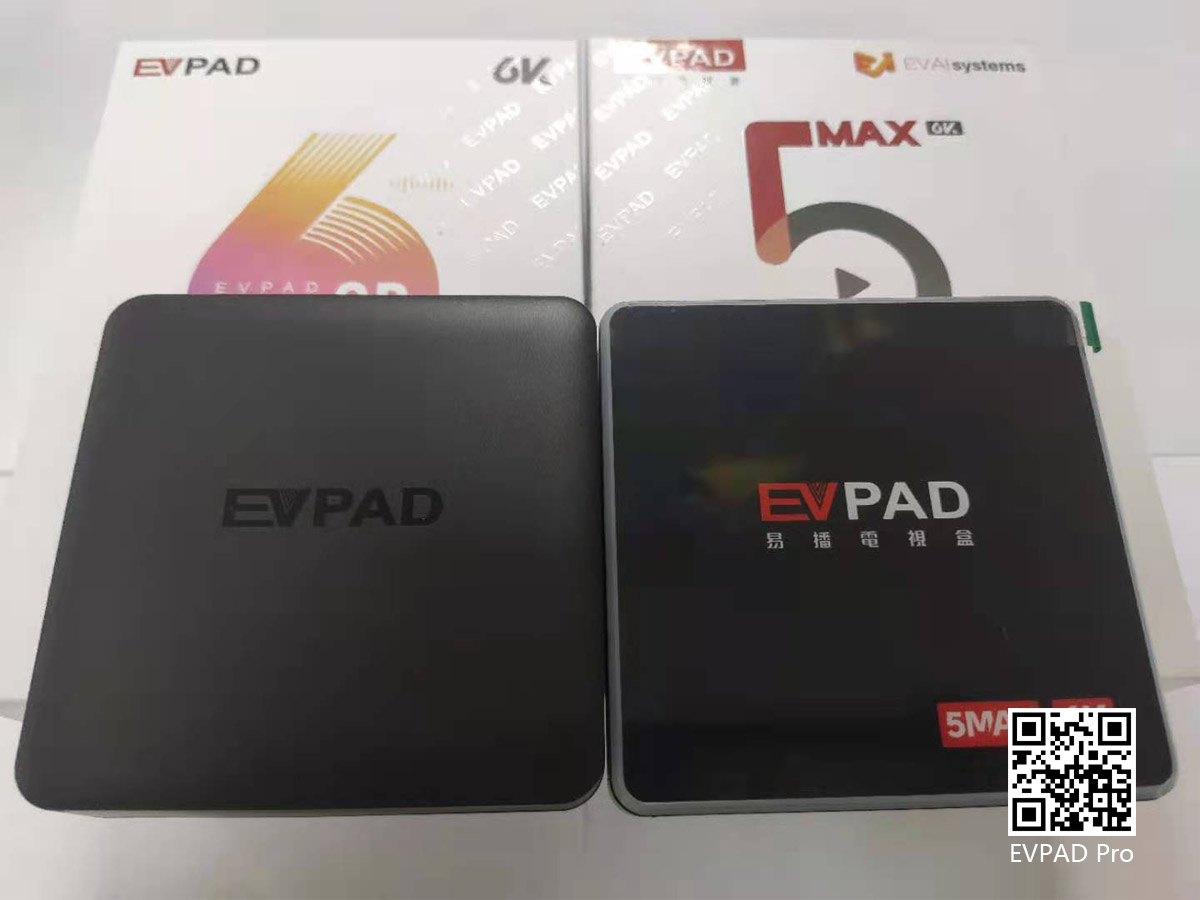
Then there is the current 6P, EVPAD 6P vs 5P, and the difference between 5S and 6S is basically the same. In the application, 6P uses the Venus series, and 5P is the Jupiter series, and in the 6P Venus on-demand, the new "Speed Column" has been added, and the movies and TV series in it are all played at extreme speed. Whether it is switching or fast-forwarding, the playback state can be quickly restored. And 6P's 4+64GB memory configuration makes it even more cost-effective than 5P. At a moder
16August
By EVPADPro | 14 August 2021 | 0 Comments
How to Change the Language of the EVPAD TV Box?
The EVPAD smart voice TV box has now been launched to the sixth generation, and two models have been launched, namely EVPAD 6P and EVPAD 6S, the two respectively represent the low memory configuration and in-memory configuration of the sixth generation of EVPAD machines. And compared to the previous 5 generations, it has been optimized in many aspects. Among them, Venus VOD added a fast column and two new columns "Latest Release/Recent Update". These are just a small part of the upgrade.
14August
By EVPADPro | 13 August 2021 | 0 Comments
The UK TV Channel Lists in the EVPAD TV Box
In the EVPAD TV box, after the 5th generation, as long as it is the "P" series and the "Max" series, there are British TV channels, while the "S" series, such as EVPAD 6S, do not. In EVPAD 6P, there are British TV channels, the number of which is as many as 55, including most of the British TV channels. Among them are the ITV series, as well as MTV, BBC, Film4, and Disney Channel, and there are many types and quantities.
13August
By EVPADPro | 11 August 2021 | 0 Comments
How do I Update My EVPAD TV Box?
So, how do I update the EVPAD TV Box? First of all, the EVPAD update is divided into two types of updates, one is the EVPAD application update, which is to update the old version of the application in your EVPAD TV box to the latest version. The software update of EVPAD can be updated through system prompts or manually. The second is the EVPAD system update, which is to install the latest EVPAD firmware version.
11August
By EVPADPro | 10 August 2021 | 0 Comments
The Movie Column in EVPAD - Wonderful Should Not be Missed
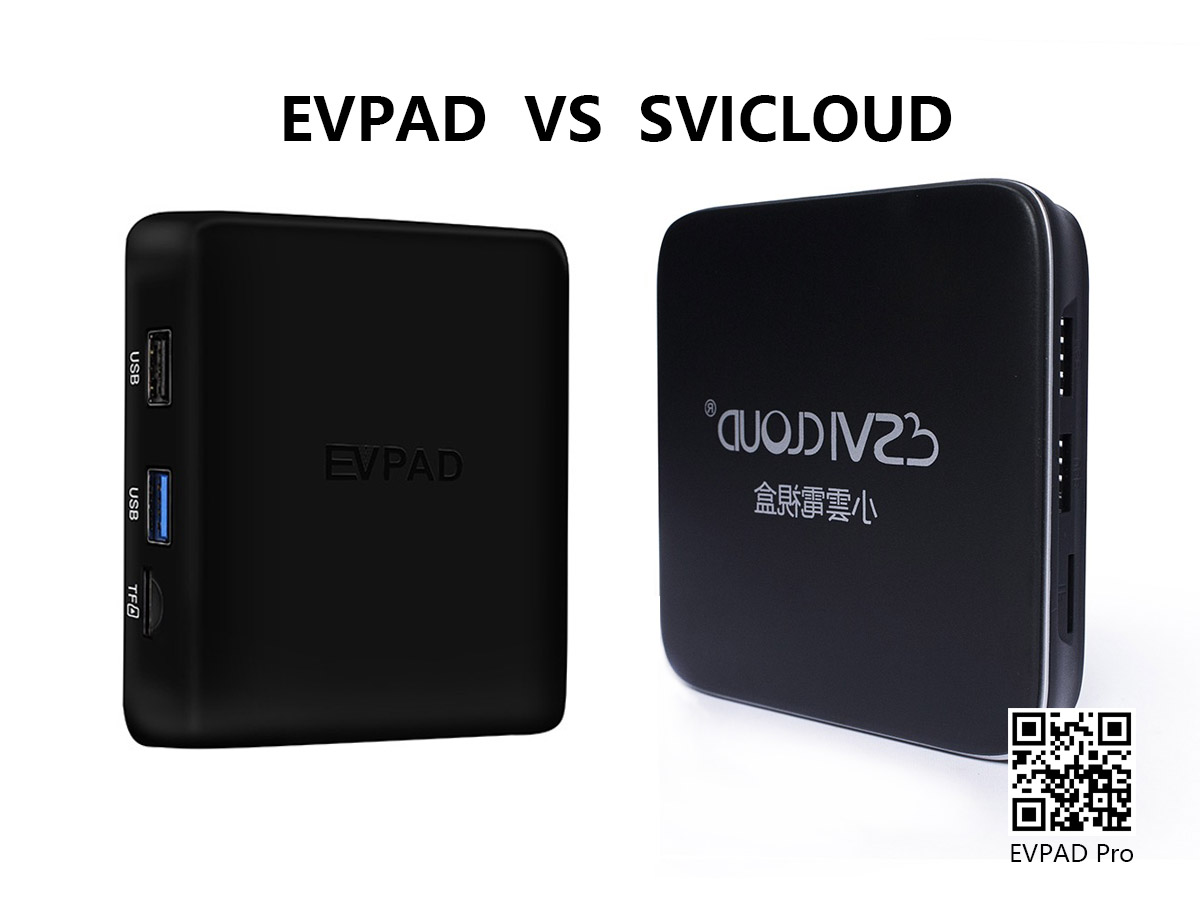
It can be said that an EVPAD TV box satisfies the different viewing needs of the whole family and different age groups. Compared with other TV box brands, EVPAD vs UBox, the speed of EVPAD's live channels is much faster than UBox. Such an easy-to-use EVPAD TV box is not as good as action. It is a must-have product for home entertainment.

10August
By EVPADPro | 09 August 2021 | 0 Comments
EVPAD TV Box Operation - EVPAD Factory Reset
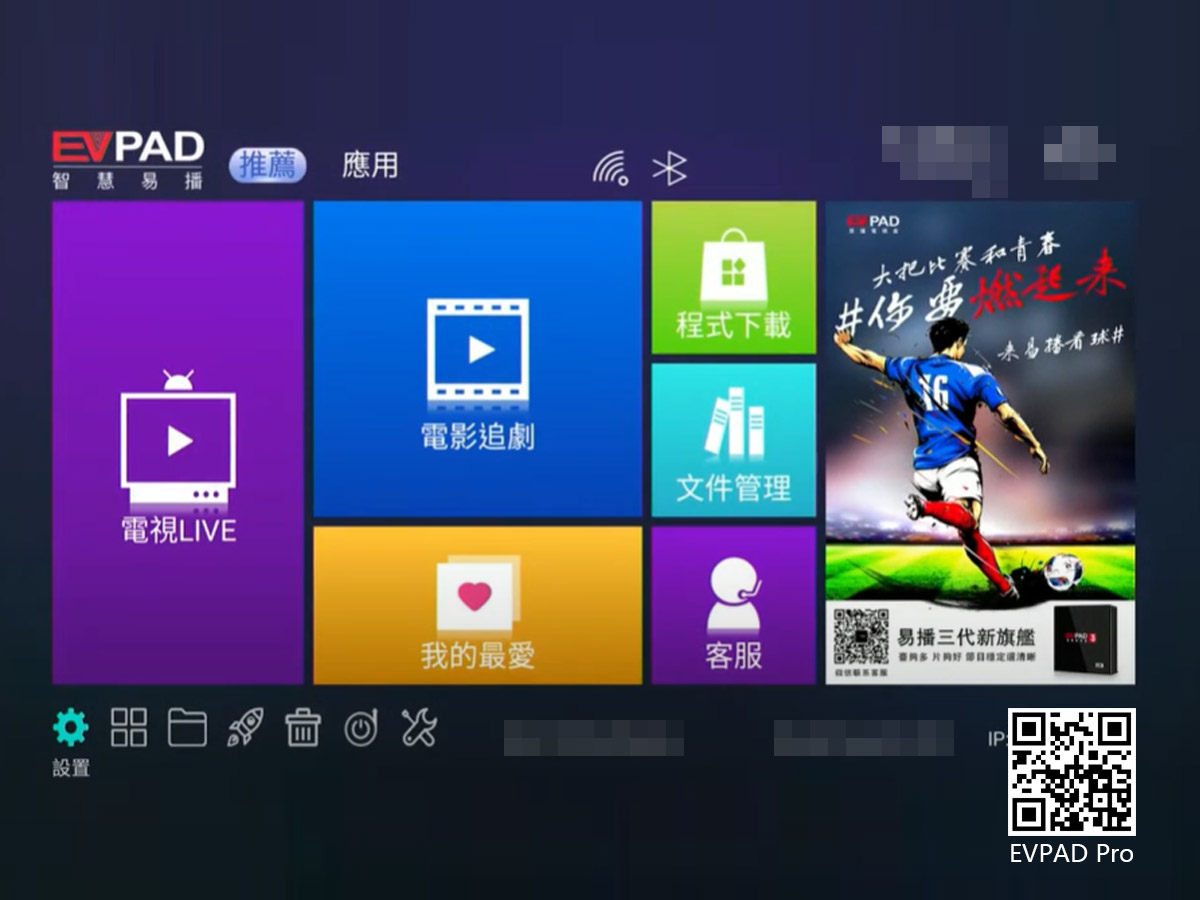
First, find the "Settings" logo in the lower-left corner of the homepage, control the remote control to move to it, and press "OK" to enter the setting interface. Then find the "Backup and Reset" option, click it and then select to the right and click "Restore Factory Settings", then continue to select "Reset Device", and then confirm and click "Clear All". After that, you need to wait for a while for the system to clear the internal resources. After seeing the interface to select the system lan
09August



