





 USD
USD EUR
EUR GBP
GBP CAD
CAD AUD
AUD HKD
HKD JPY
JPY KRW
KRW SGD
SGD NZD
NZD THB
THB TWD
TWD English
 繁體中文
繁體中文 日本語
日本語 한국어
한국어 ไทย
ไทย Bahasa Indonesia
 Français
 Español
 Deutsch
 Português
 Nederlands
 Tiếng Việt
By EVPADPro | 18 July 2021 | 0 Comments
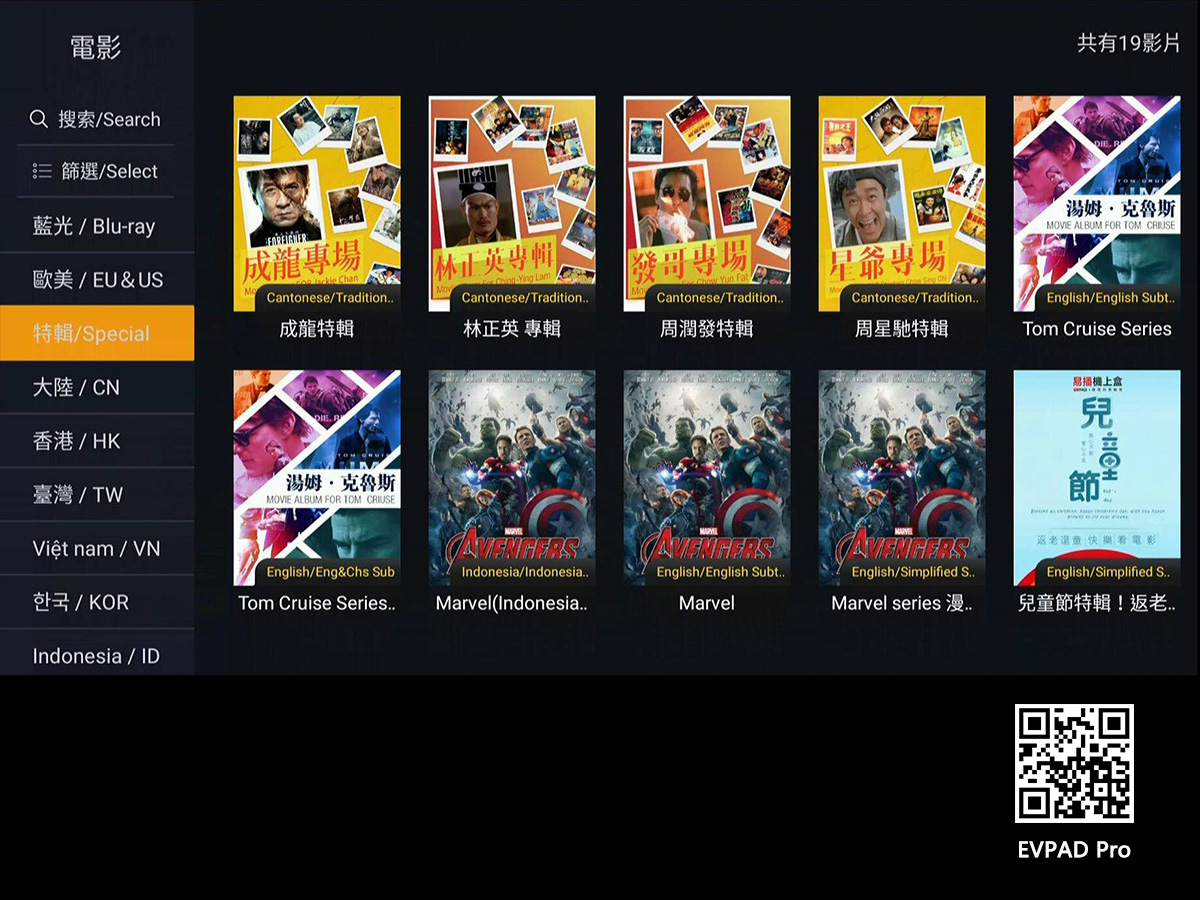
Why You Should Choose an EVPAD TV Box?
EVPAD is a leading smart TV box brand. The company was established in 2015 and has since then made a reputation for itself as a leading provider of smart TV boxes.
18July
By EVPADPro | 17 July 2021 | 0 Comments
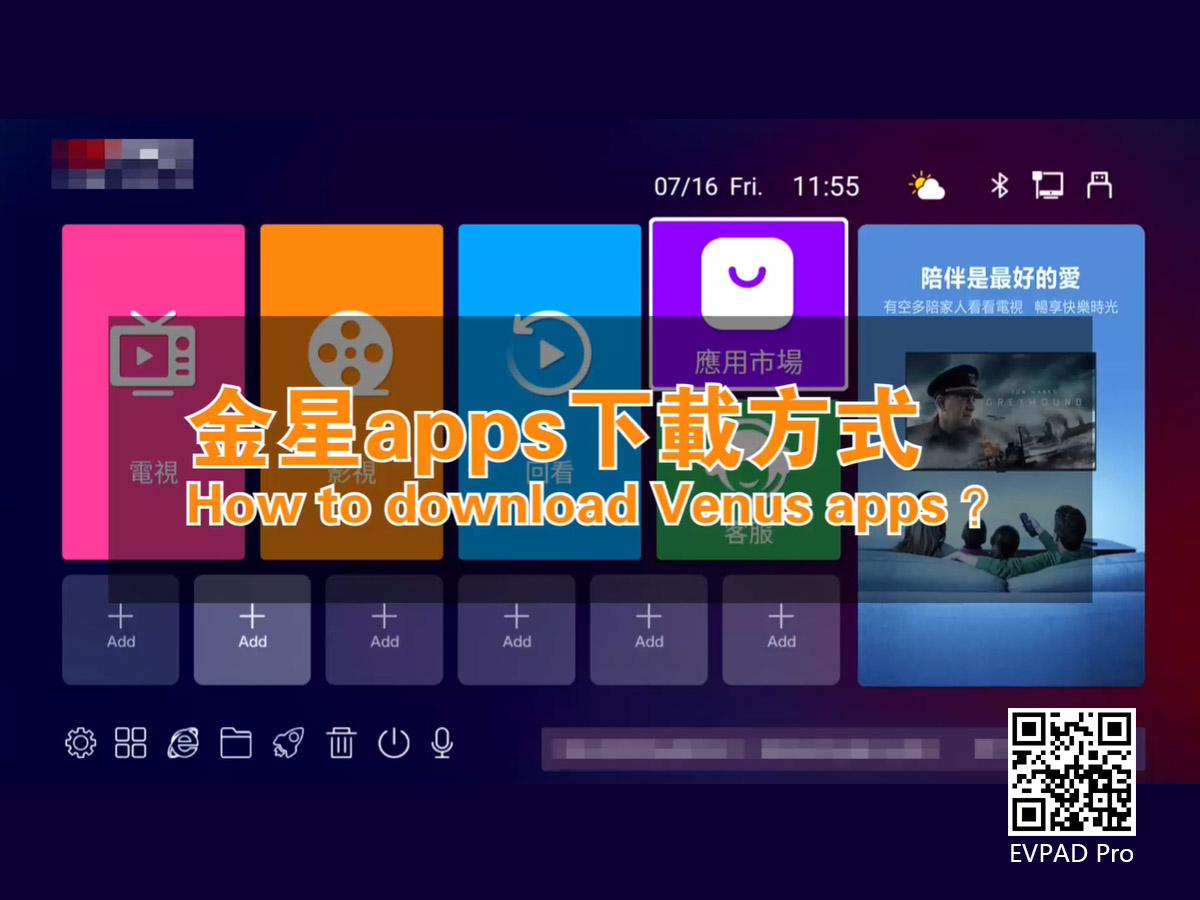
How to Download the Venus App in EVPAD 6P?
After everyone buys the EVPAD TV box, whether it is the previous EVPAD 3Pro or the current EVPAD 5S, EVPAD 6P, there is no APP application inside, and it is a pure version of the EVPAD box. Then we get the box, connect the network, and power, firstly time we need to download the application, and then we can start to enjoy it.
17July
By EVPADPro | 16 July 2021 | 0 Comments
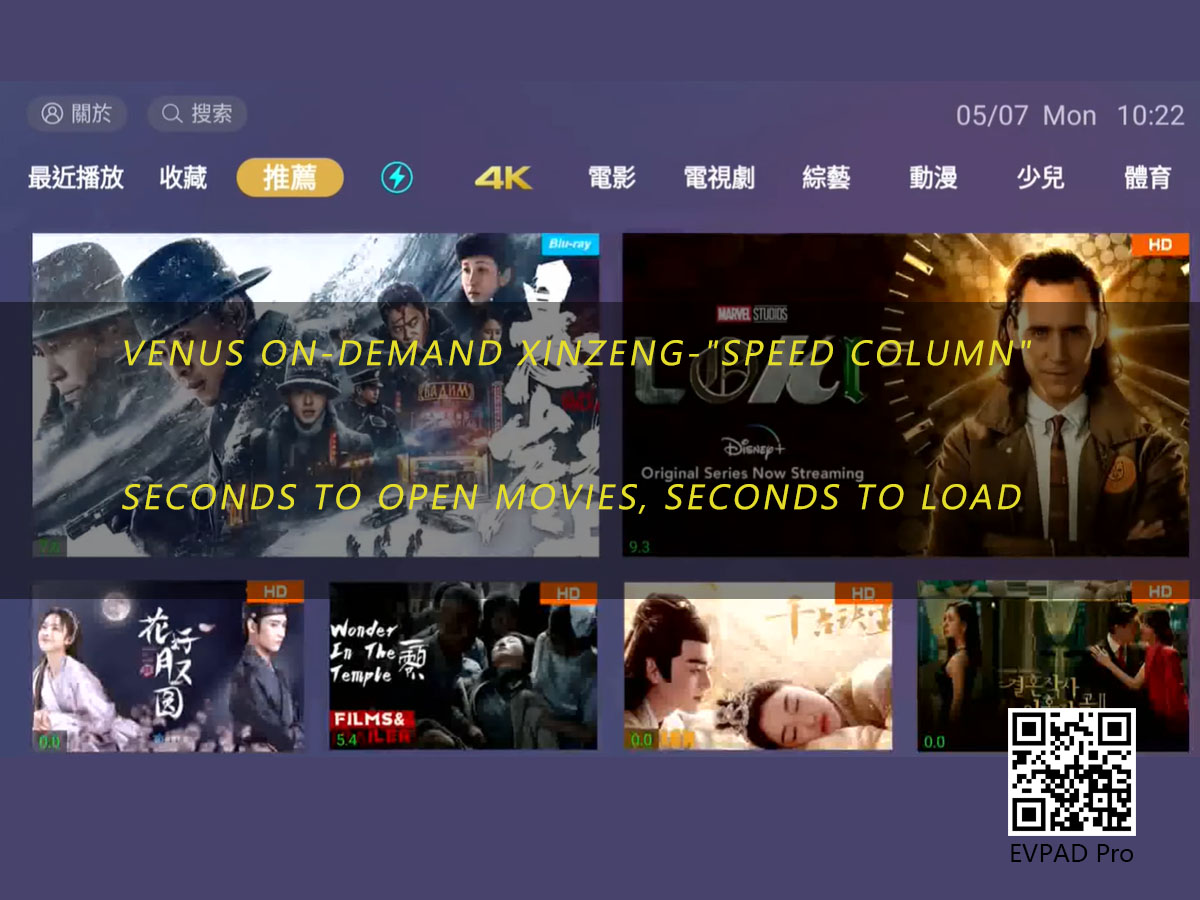
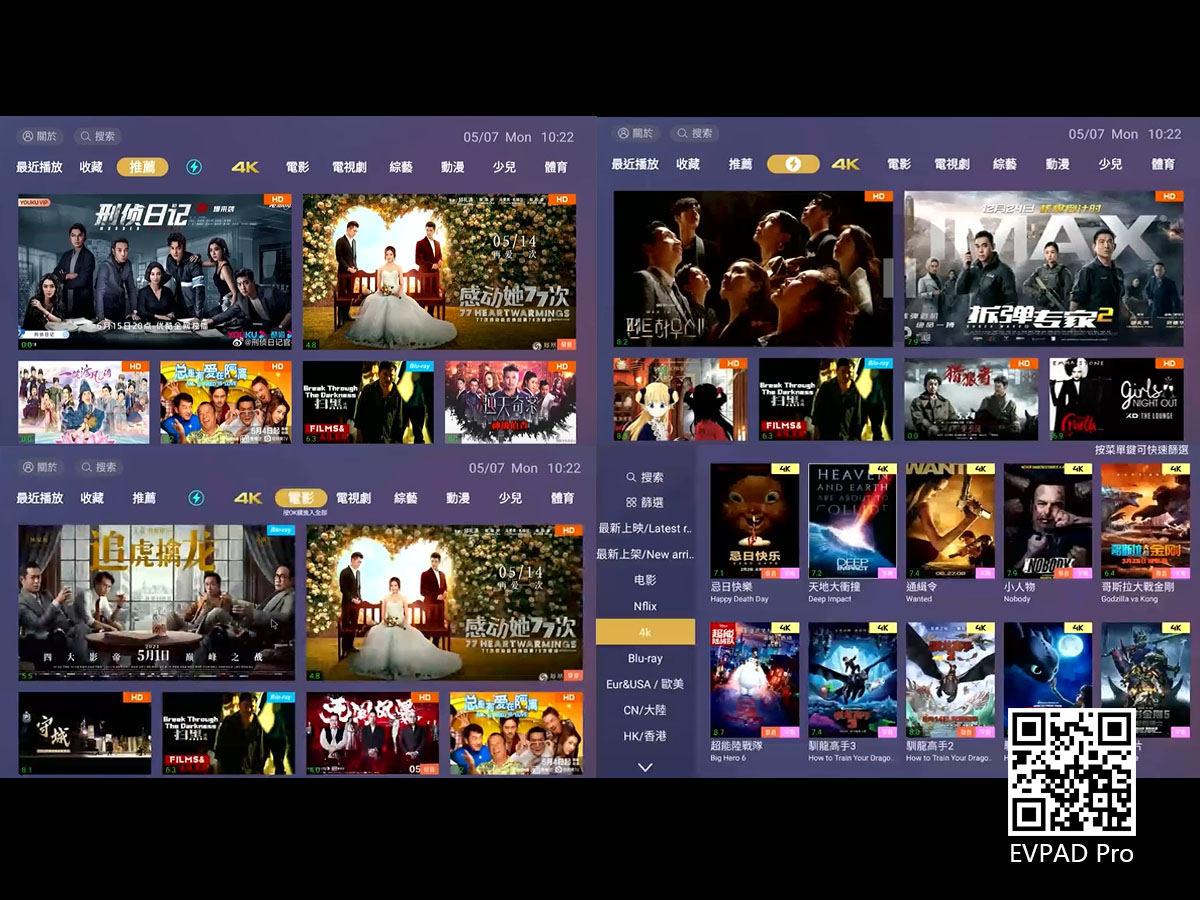
EVPAD 6P Box - Features of Venus VOD "Speed Column"
The EVPAD best apps - “Venus VOD” in EVPAD 6P is different from EVPAD Jupiter VOD. EVPAD Venus VOD has added a new column-"Speed Column", which can be played at a high speed. Whether you want to watch or fast forward, it can play fast.
16July
By EVPADPro | 15 July 2021 | 0 Comments
EVPAD Korean Channel List
We also watch a lot of TV series every day. It is good to watch TV series and enjoy this happy time when we go home from getting off work or rest at home on weekends. EVPAD App. Nowadays, there are many TV boxes that are very common in our daily lives, such as Ubox, SVI Cloud, EVPAD, and Evbox. In the EVPAD TV box, there are TV channels from more than a dozen countries and regions such as China, Taiwan, Hong Kong, Japan, South Korea, the United States, Canada, Malaysia, Britain, India, and the P

15July
By EVPADPro | 14 July 2021 | 0 Comments
EVPAD 6P TV Box - the Sixth Generation of the New Flagship Voice TV Box
After the release of EVPAD 5P in August last year, until today, in July, EVPAD's new product - EVPAD 6P voice TV box has finally come out.
14July
By EVPADPro | 13 July 2021 | 0 Comments
EVPAD 6P TV Channel list in USA and Canada
We have included many local TV channels in the United States, such as FOX, Showtime, HGTV, American Chinese TV, NBA TV, CBS, Sportsnet, CTV, golf, Disney, New Era, etc. Channels are available in our EVPAD 6P TV box. And we only need to pay once, and then it will be free forever, there will be no monthly or annual fees. And we deliver it to your door with free shipping, so you don't need to pay the expensive transportation cost.
13July



