USD
USD EUR
EUR GBP
GBP CAD
CAD AUD
AUD HKD
HKD JPY
JPY KRW
KRW SGD
SGD NZD
NZD THB
THB English
 繁體中文
繁體中文 日本語
日本語 한국어
한국어 ไทย
ไทย Bahasa Indonesia
 Français
 Español
 Deutsch
 Português
 Nederlands
 Tiếng Việt
How to Add Short-cut Keys on Svicloud 9Pro TV Box?
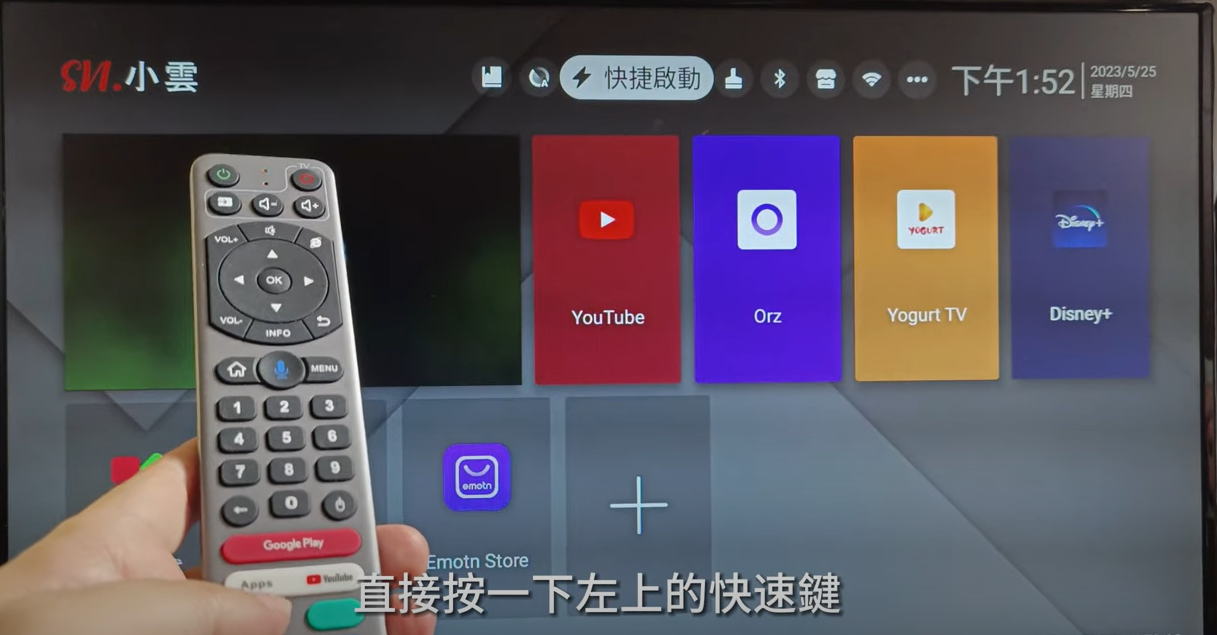
There are 4 short-cur keys on the remote control of the Svicloud 9Pro TV box. And 3 short-cuts already ready for your use, Apps, Youtube, and Google Play. Today we will show you how to add short-cut keys and make the entertainment experiences so easy and enjoyable.
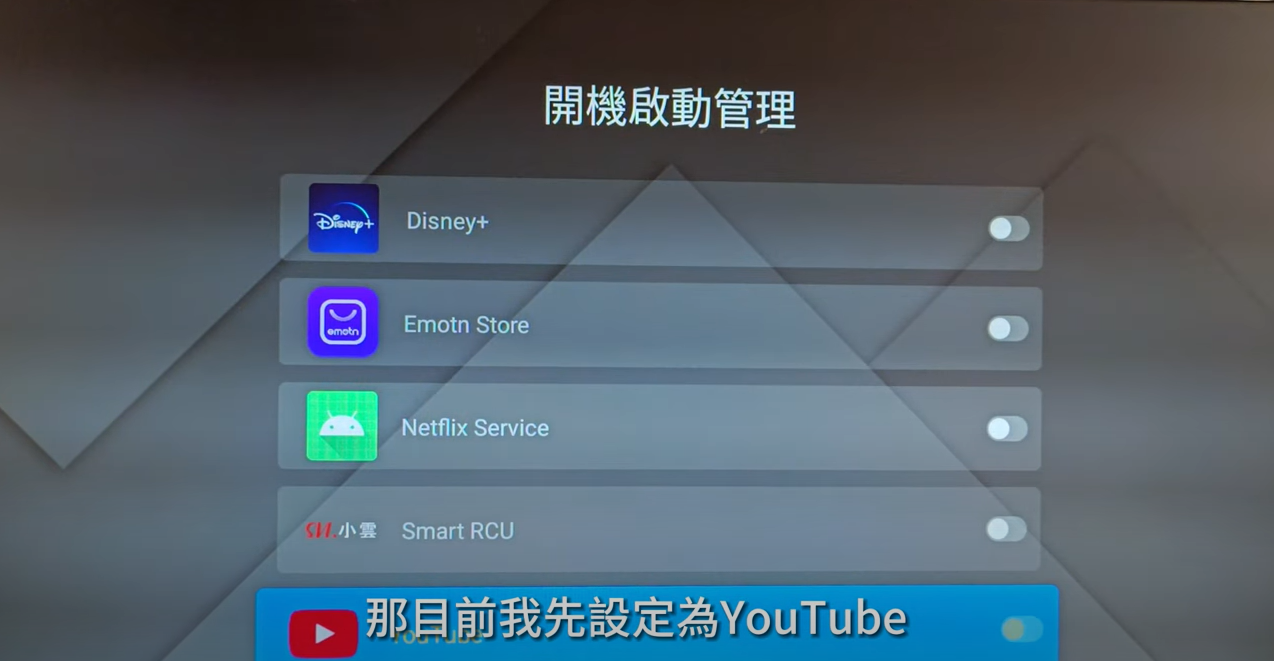
First of all, we will show you how to set up directly going to an App when the TV box is turned on.
1, Press what we pointed out in the picture below.
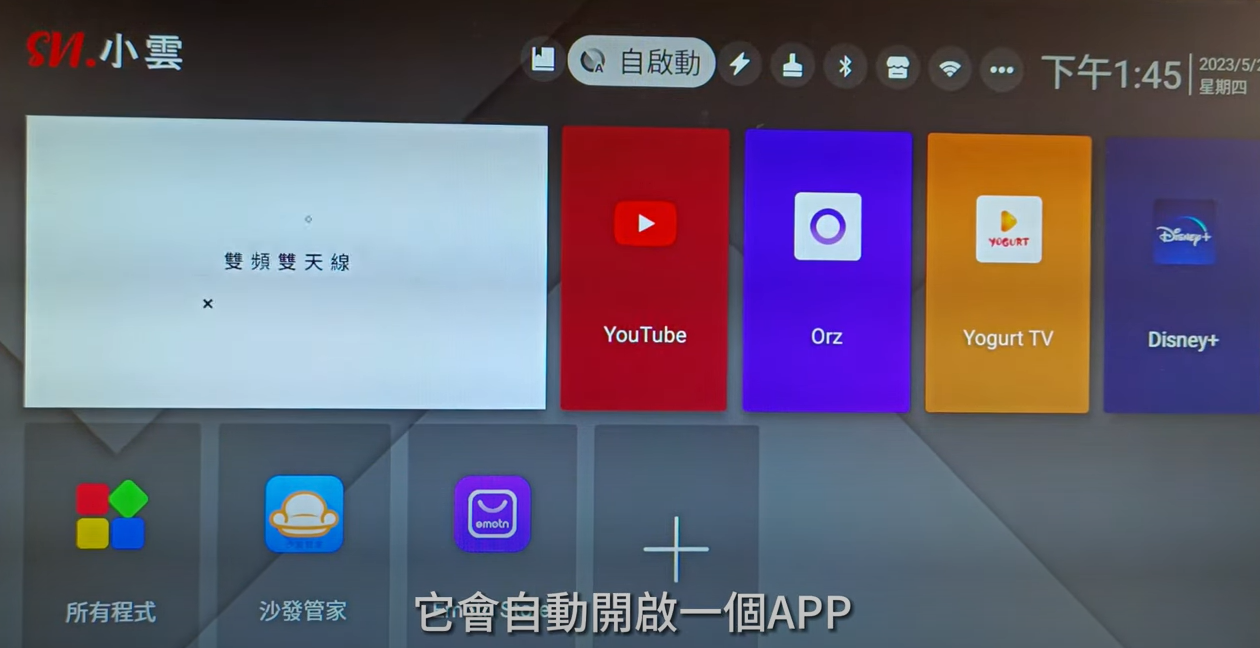
2, It will direct you to these pages. Let's make Youtube a self-turned-on App for now.
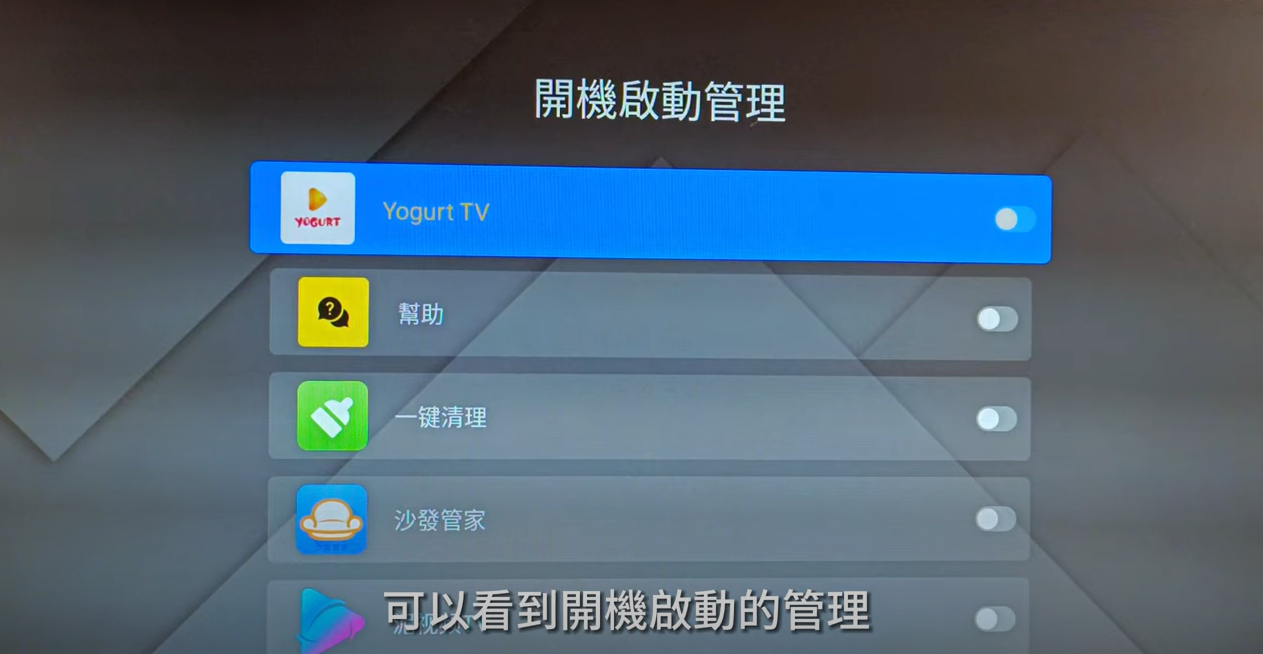
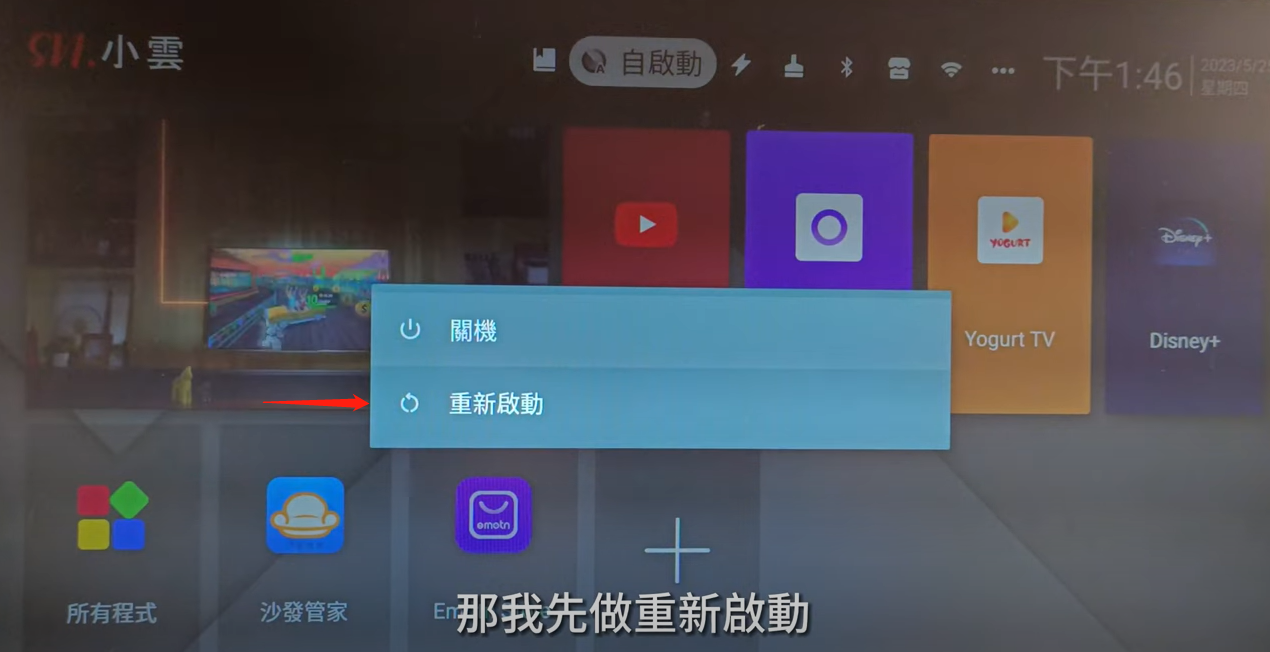
3, Press reboot the TV box.
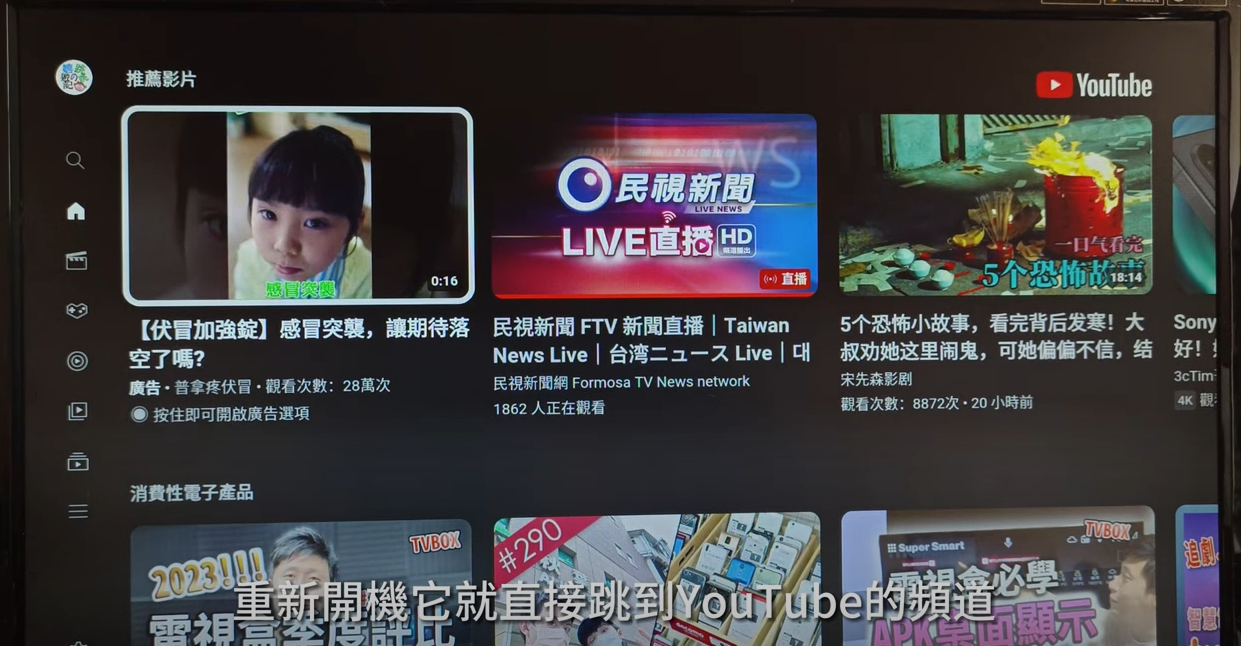
4, It will directly go to Youtube when the box is turned on.
Now, let's learn how to set these 4 big colors on the remote control, which are short-cut keys.
1, Press what we pointed out in the picture below.
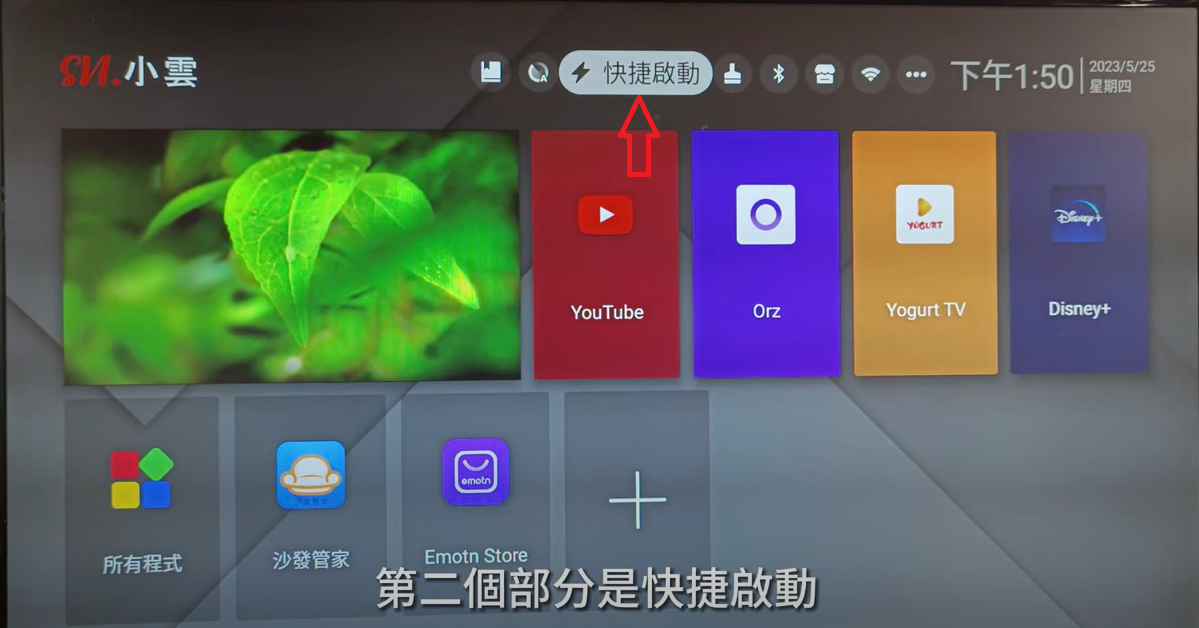
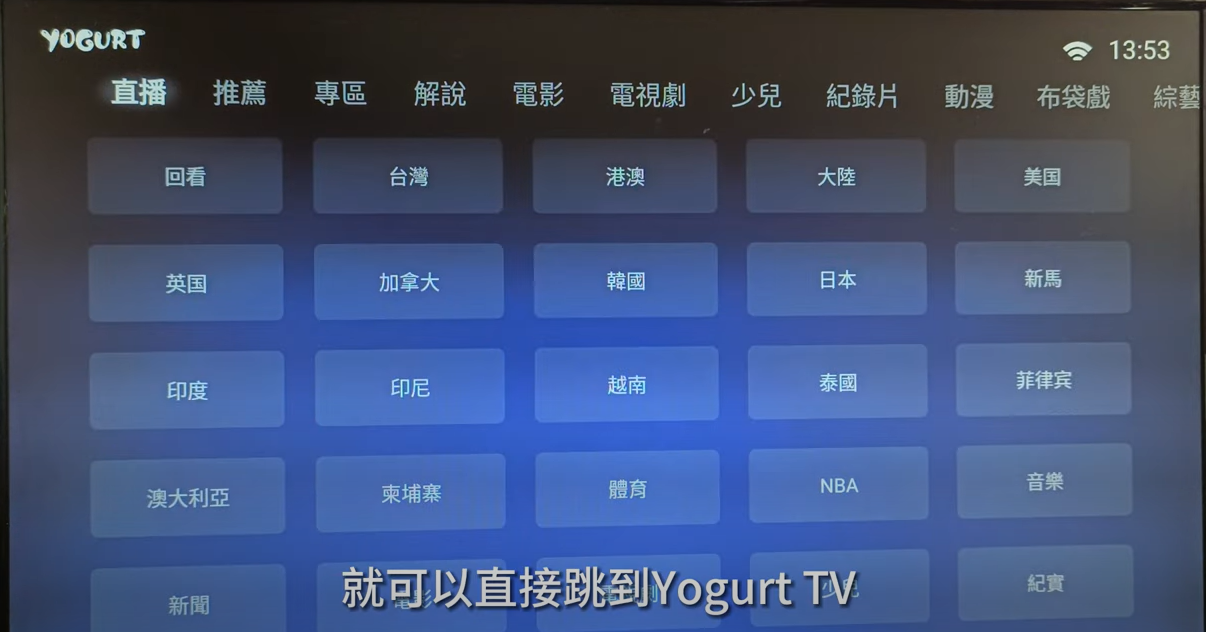
2, It will direct you to these pages. Let's make Yogurt TV a short-cut key now.
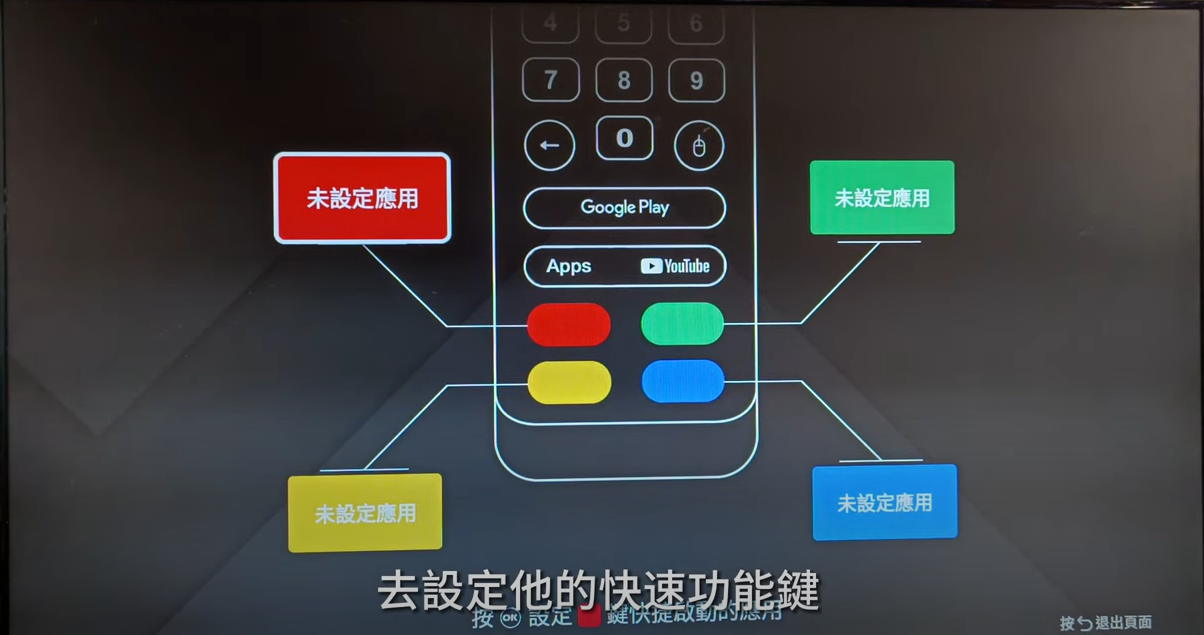
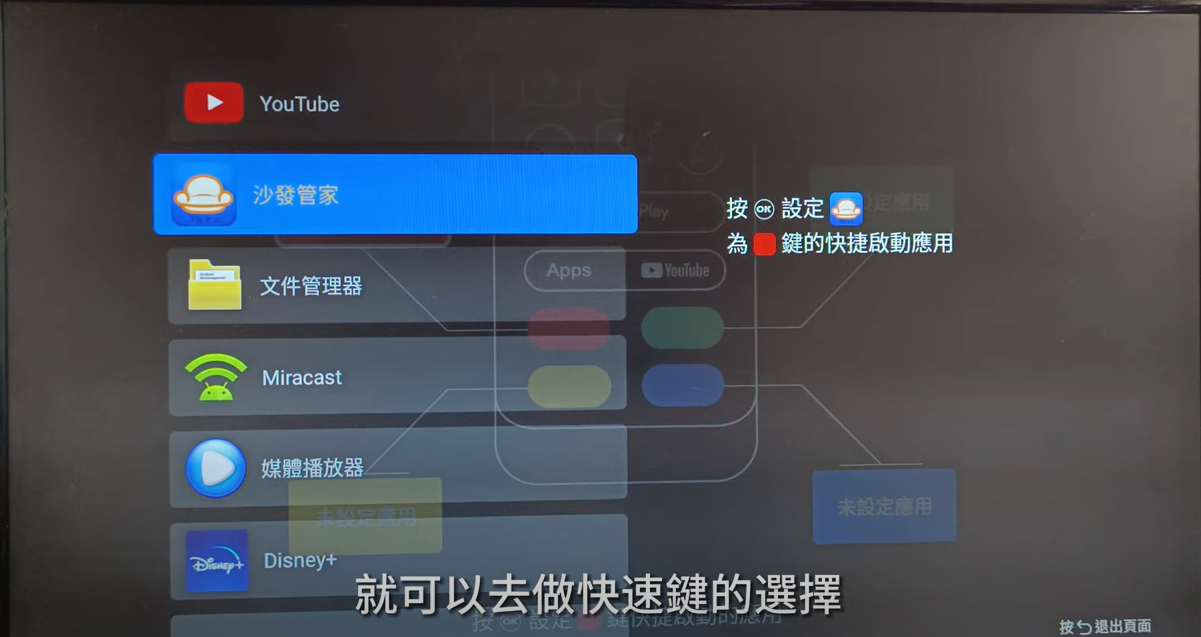
3, Press the corresponding button, and it will direct you to the App you just set as a short-cut key.